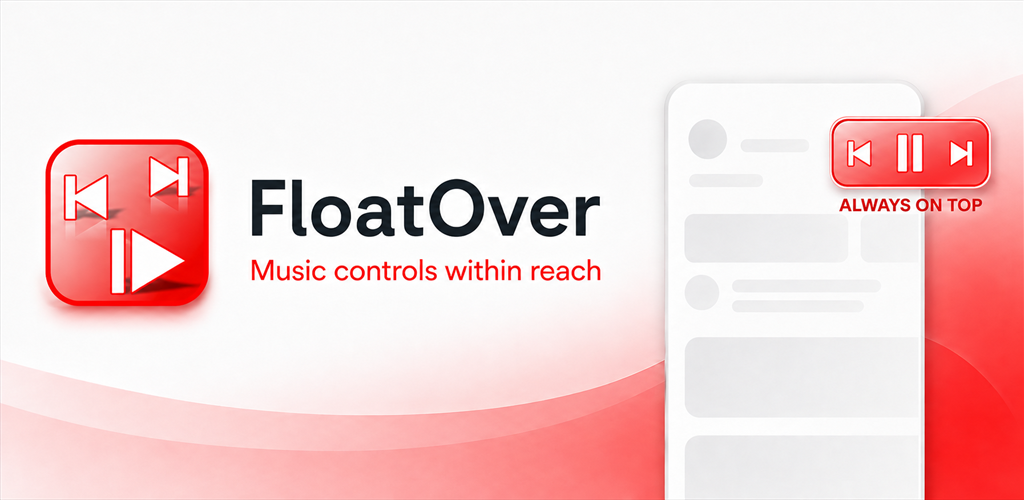
Always on top
Keep a compact music controller visible over maps, navigation and other Android apps.
 FloatOver
Floating Android music controls
FloatOver keeps Previous, Play/Pause, Next and seek controls in a small movable panel while another app fills your screen.
14 days of full access · One-time lifetime purchase · No ads · No subscription
Why FloatOver
Keep a compact music controller visible over maps, navigation and other Android apps.
Use quick controls when space matters, then expand the panel for track details and playback progress.
No FloatOver account, advertising or analytics. Available media information is processed only on your device.
How it works
See FloatOver
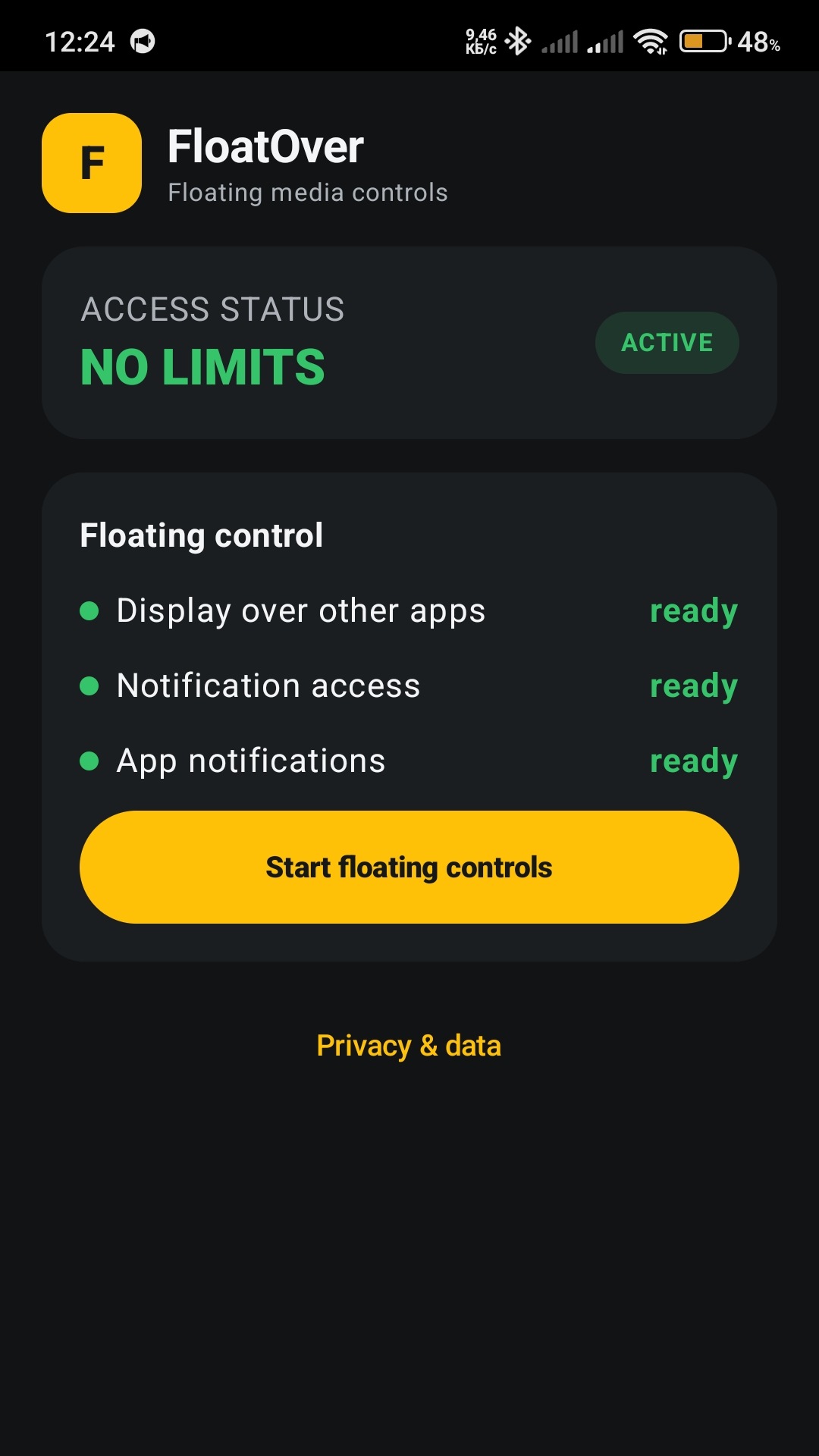
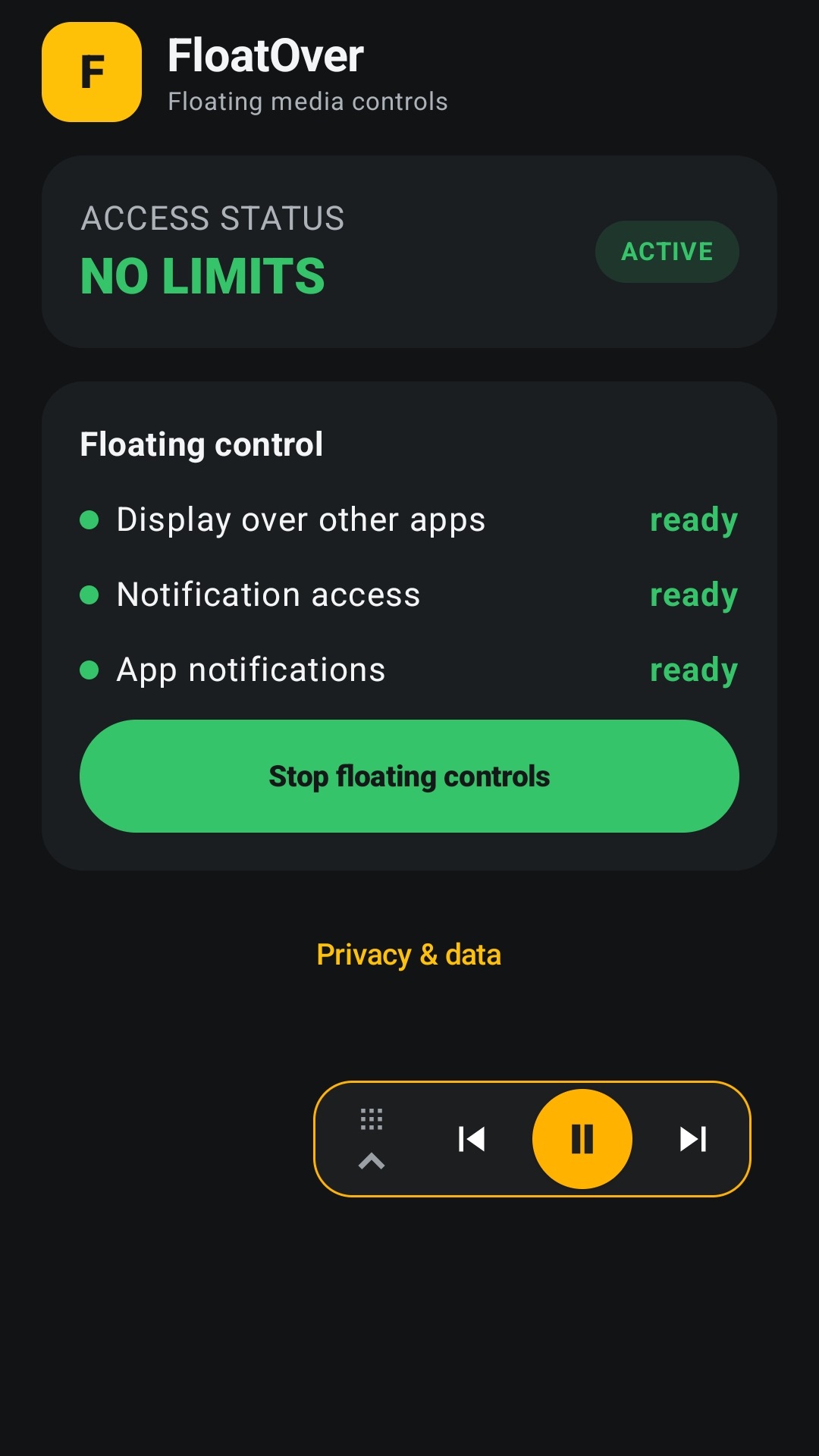
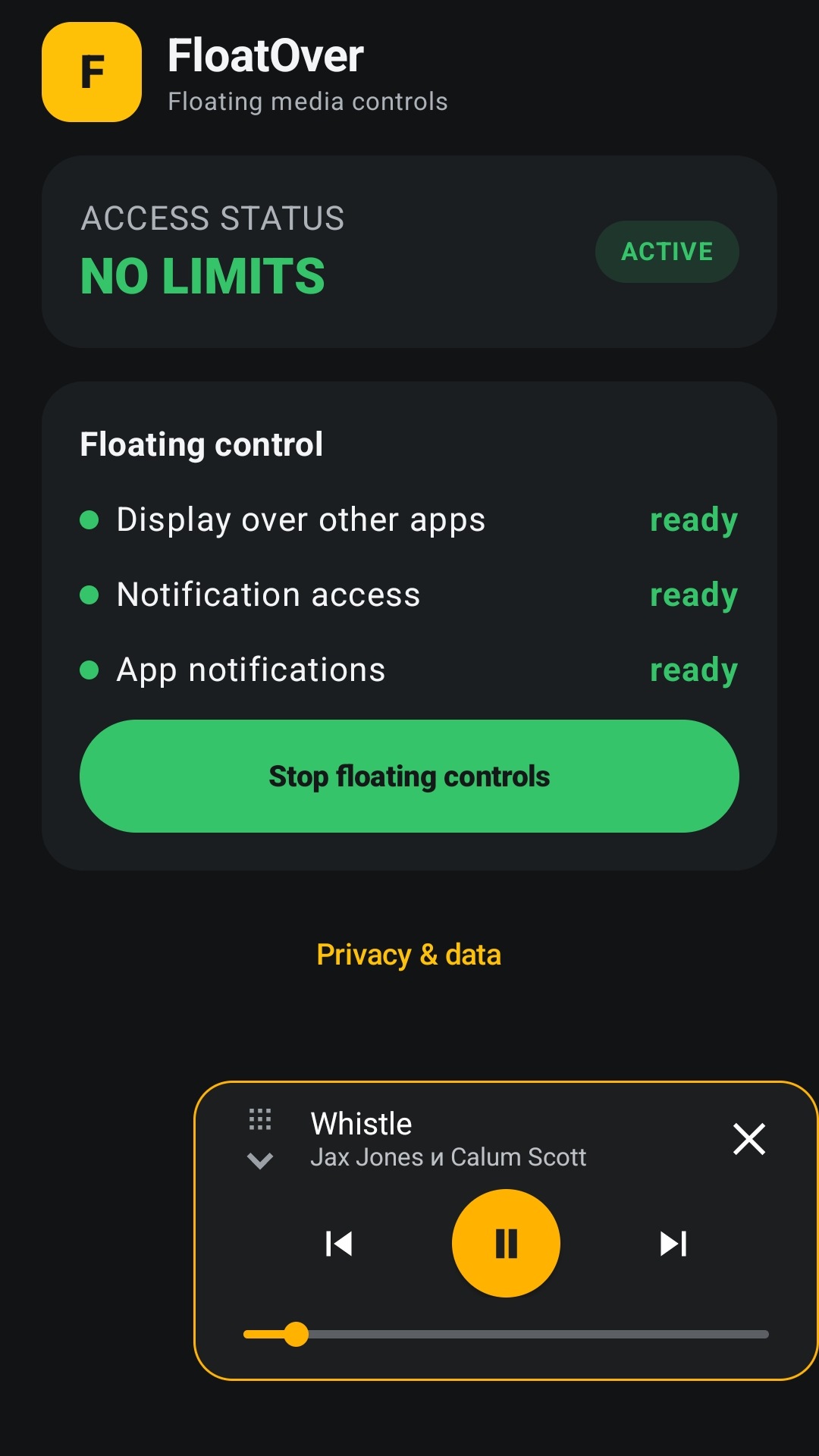
FloatOver uses Android's standard media controls and is designed and tested for YouTube Music. It does not access your YouTube account, playlists or library.
All controls are available for 14 days. Continue with an optional one-time lifetime purchase. There is no subscription.
Do not configure or interact with the app while driving. Follow local laws and use device controls only when it is safe.
Questions
Yes. FloatOver is a movable Android overlay designed to remain visible while navigation or another app occupies the screen.
FloatOver is designed and tested for YouTube Music. It controls the active Android media session through standard Android media controls.
No. It does not sign in to YouTube or access your account, playlists or library. Available playback information is handled on the device.
No. The app includes 14 days of full access, followed by an optional one-time purchase for lifetime access.
Android uses notification access to let FloatOver connect to the active media session. FloatOver does not use notification content for advertising, analytics or profiling.
No. FloatOver uses a movable overlay so the playback controls can stay available without replacing or closing another app's picture-in-picture window.
It removes the FloatOver panel and stops its foreground service. It does not close the music app, pause playback or revoke permissions.
Sign in to the same Google Play account, connect to the internet and tap Restore purchase on the FloatOver start screen.
The active music app supplies this information through Android. If a field is unavailable, FloatOver shows a neutral fallback and keeps the playback controls usable.

Published on Google Play
Install FloatOver on an Android 8.0 or newer device.